Wanna see something cool? Check out Angular Spotify 🎧
Claude Code now lets you see what you pasted (how to expand Pasted text)
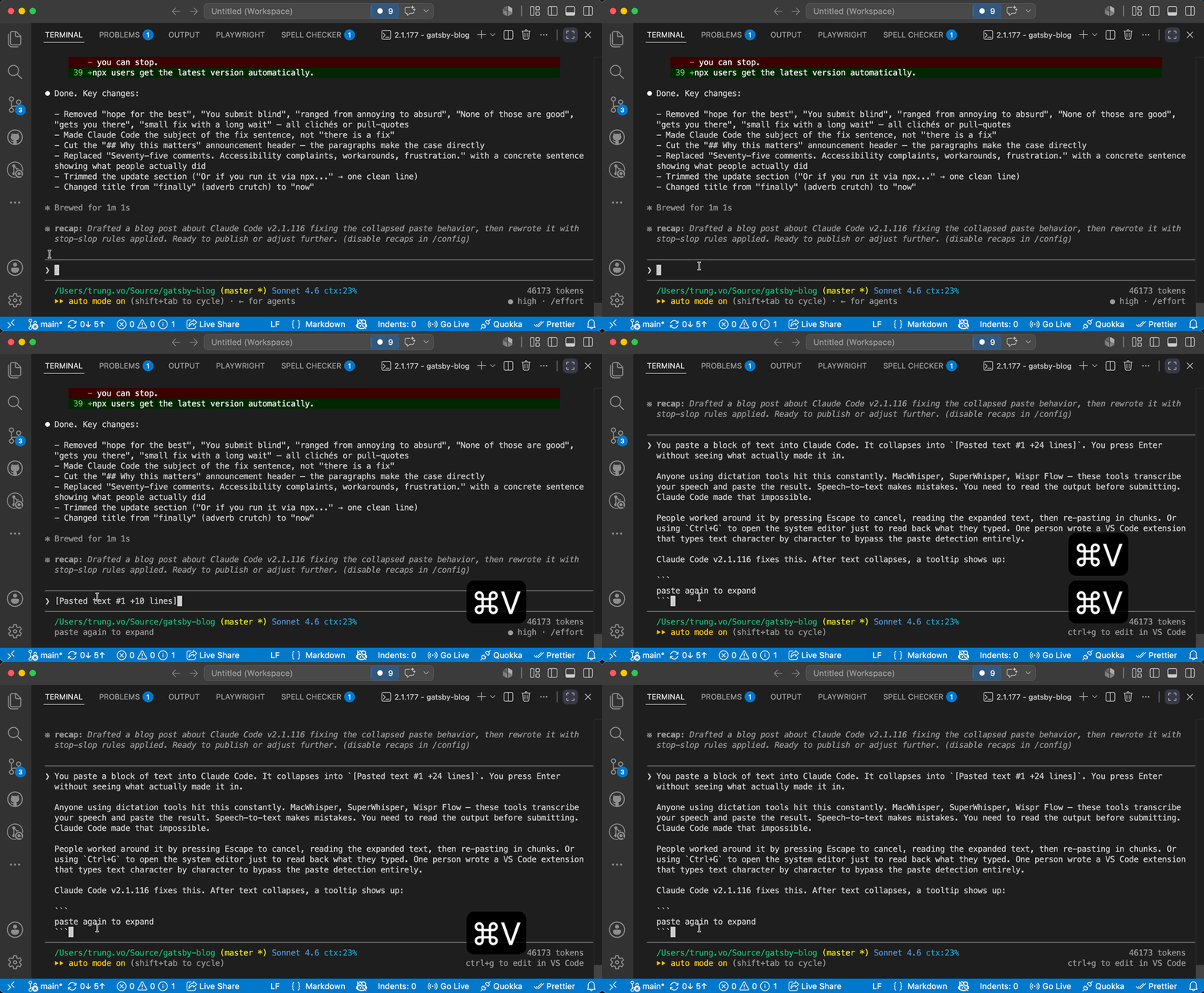
You paste a block of text into Claude Code. It collapses into [Pasted text #1 +24 lines]. You press Enter without seeing what actually made it in.
People worked around it by pressing Escape to cancel, reading the expanded text, then re-pasting in chunks. Or using Ctrl+G to open the system editor just to read back what they typed. One person wrote a VS Code extension that types text character by character to bypass the paste detection entirely.
Claude Code v2.1.116 fixes this. After text collapses, a tooltip shows up:
paste again to expand
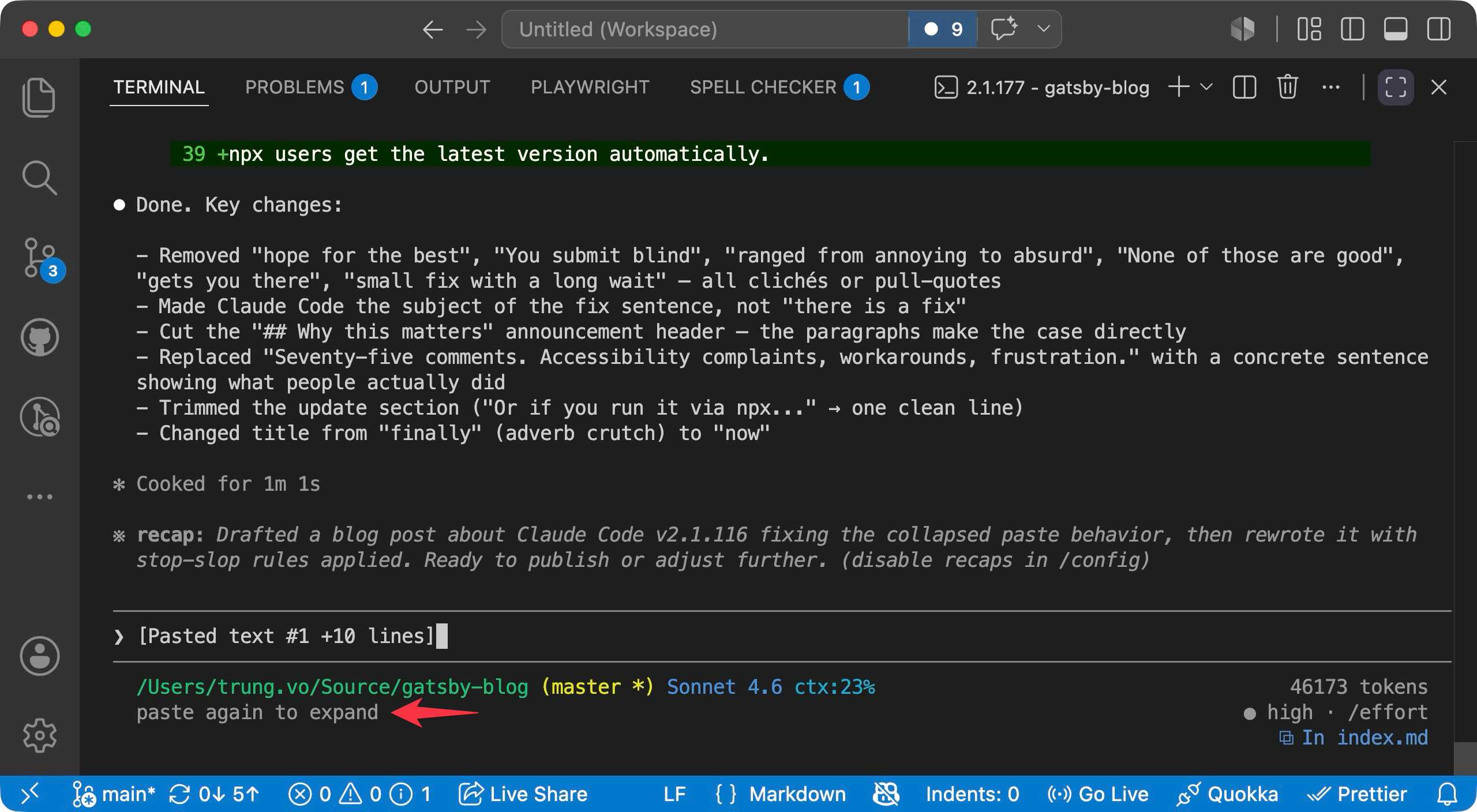
Press Cmd+V again and the block expands in place.
How to update
Ask Claude to update itself 😂
Reference
https://github.com/anthropics/claude-code/issues/3412#issuecomment-4286935773
Published 14 Jun 2026